


Manage settings
Manage the club manager
Set your club's name, logo, and manager
The club information (name, logo, and manager) forms your organization's identity in Plugin.ch. This data appears on all important documents, particularly invoices. Set it up correctly to ensure a professional presentation of your club.
Go to club manager management
In the main menu, select Settings, then Manage the club manager. This section lets you set your club's main information.
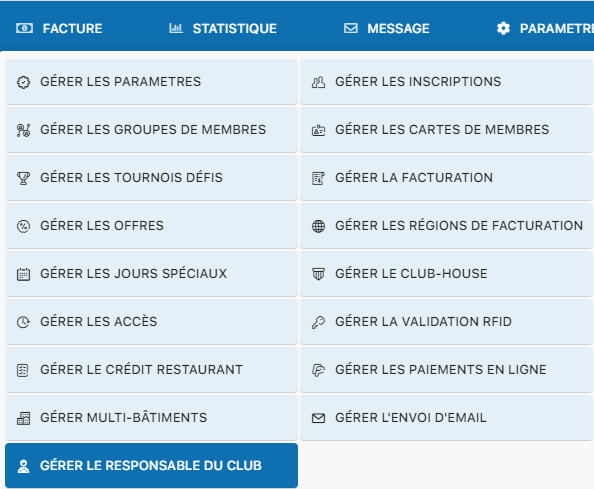
Settings menu – Manage the club manager
Fill in the club information
The configuration form lets you set your club's official name, upload a logo (image file), and designate the club manager. The manager must be a member registered in the system.
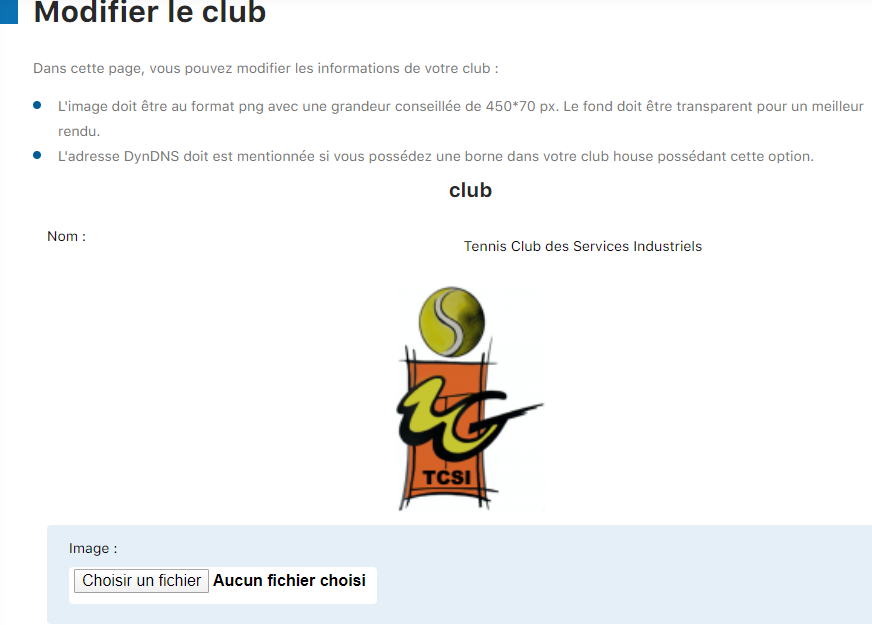
Form – Part 1
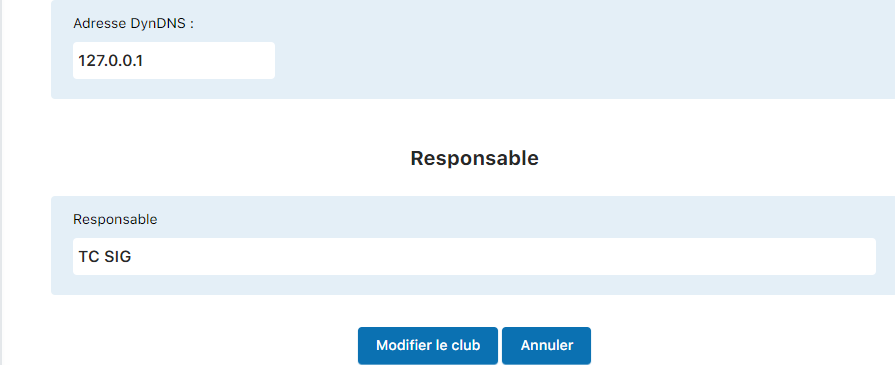
Form – Part 2
Save your changes
Once you have filled in all the fields with the appropriate information, click Edit club to save your changes. The club data will then be updated and used for all documents generated by Plugin.ch.
Key points
- The club name must be official and recognizable
- The logo must be provided as an image file of appropriate quality
- The club manager must be an existing, registered member
- The club information appears on all official documents (invoices, correspondence, etc.)
Plugin.ch Tutorial — Manage settings