


Manage settings
Manage member groups
Create categories to organize your members
Member groups let you organize your members into distinct categories, such as “Inter-club”, “Company”, “Certified players”, etc. This makes it easier to manage and segment your database.
Access group management
From the menu, click “Manage member groups” to display the list of existing groups.
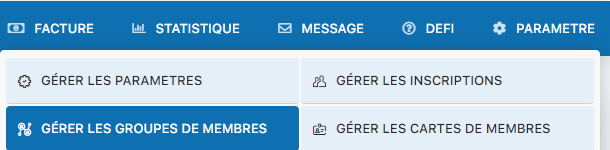
Menu for accessing member group management
Create a new group
In the text field provided, enter the name of the new group (for example: “Inter-club”, “Company”, “Permanent players”, etc.). Then click the “Add group” button to create the group.
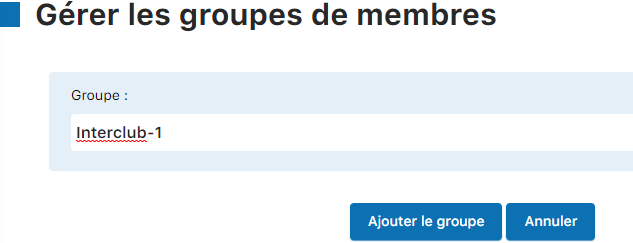
Adding a new group
Manage or delete groups
Once created, the groups appear in a list. To delete a group, click the trash icon next to the group. The group will be immediately deleted from the system.

List of groups with delete option
Plugin.ch Tutorial — Manage settings