


My profile
How do I change my profile photo and information?
All your personal information can be managed from the menu My profile of the new interface.
1. Open your profile
In the left menu, section My account, click My profile.
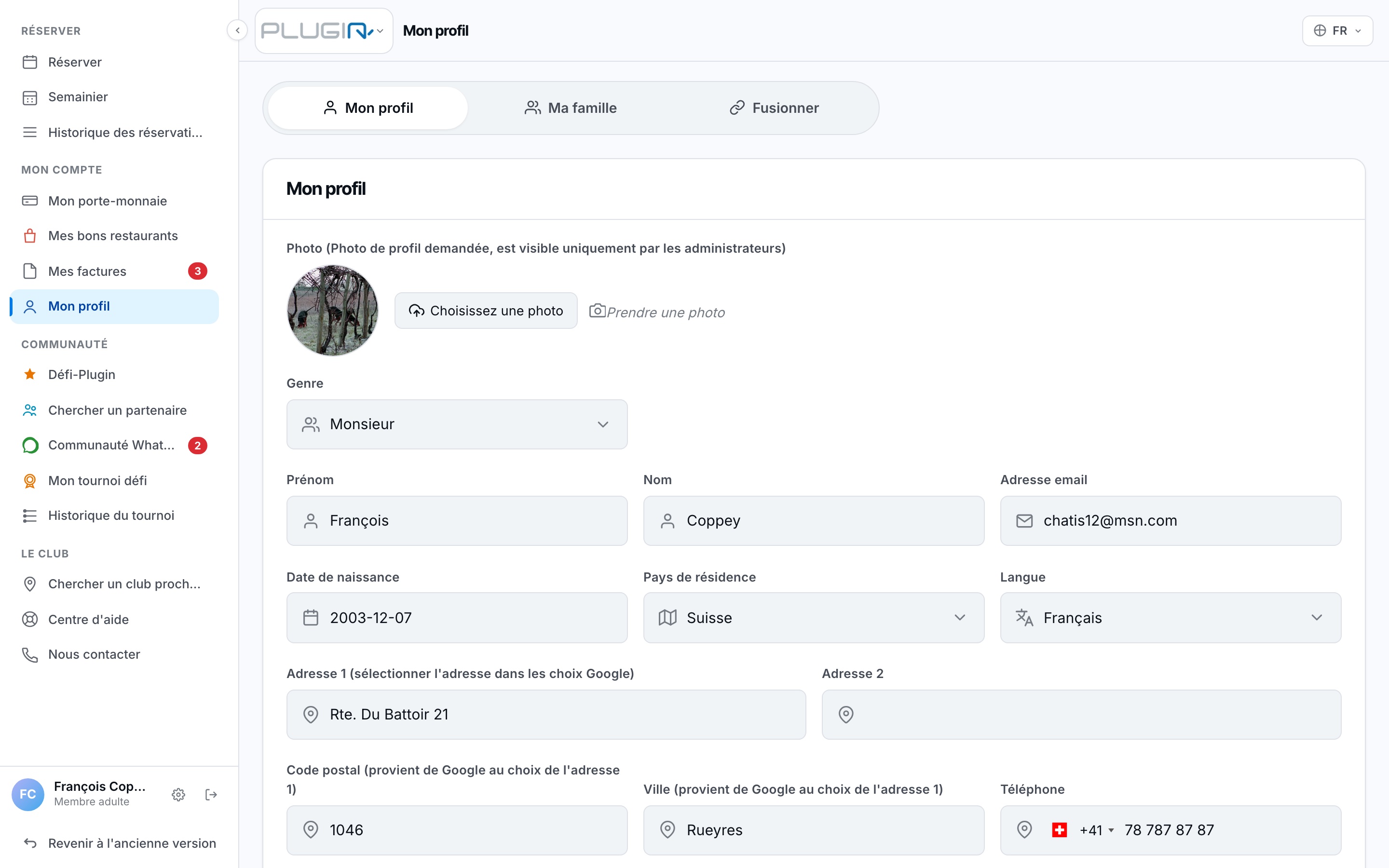
The My profile page
2. Edit your information
There you can change your photo, address, phone number, email, and your playing preferences (level, availability, partner sought). Don't forget to save at the bottom of the page with Edit my profile.
Your email is used as the identifier to recover your password: keep it up to date!
Plugin.ch Tutorial — My profile